
We saw the first hint that VBR V13 was in development earlier this year at VeeamON. Fast forward a few months and the first Technical Preview has been released! Having access to the TP build as a Vanguard, I’ve had the opportunity to install it and take a peek to see what’s under the hood.
Please note that this is a Technical Preview build of Veeam Backup & Replication V13 and as such, functionality may change upon GA.
First up and perhaps the stand out feature enhancement is support for VBR on Linux – yes that’s right, Linux Support! Figuratively speaking this is the last piece in the Linux puzzle, making it possible to run your entire VBR environment without the need for Windows. This doesn’t mean support for VBR on Windows is going away though, and in fact there will still be some use cases where a Windows server is needed such as running the mount server role when performing file level restores for workloads with Windows file systems.
I deployed this build into my Home Lab by importing via an OVA. There may be other deployment methods in future releases however these are still TBD.
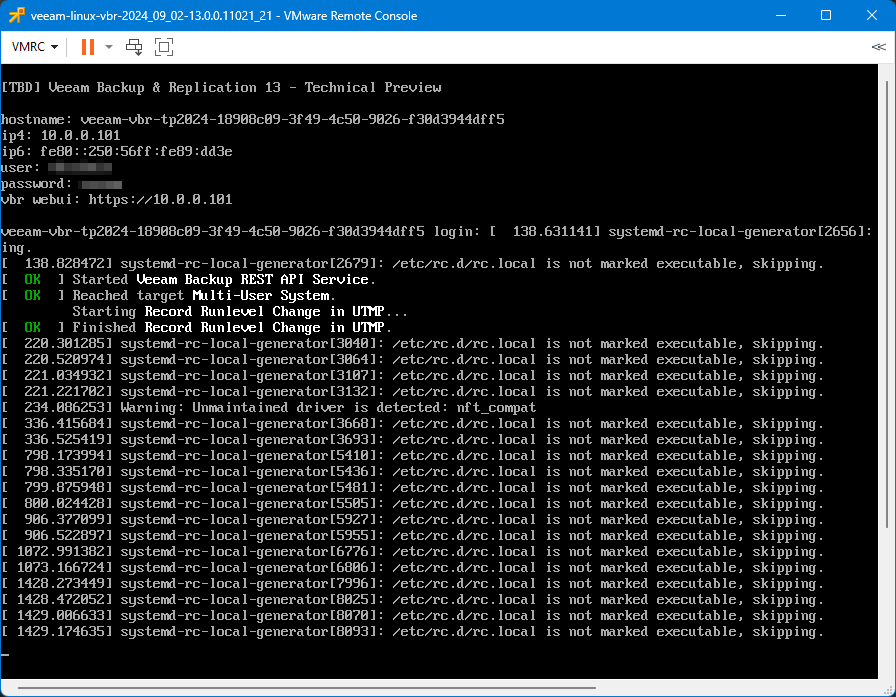
Now the VBR is up and running on Linux, how do you connect to it? Well, there are a couple of options.
Since it isn’t possible to manage the VBR server directly in the traditional sense on the Linux server itself, there is a new web interface which can be accessed by browsing to the VBR IP address.
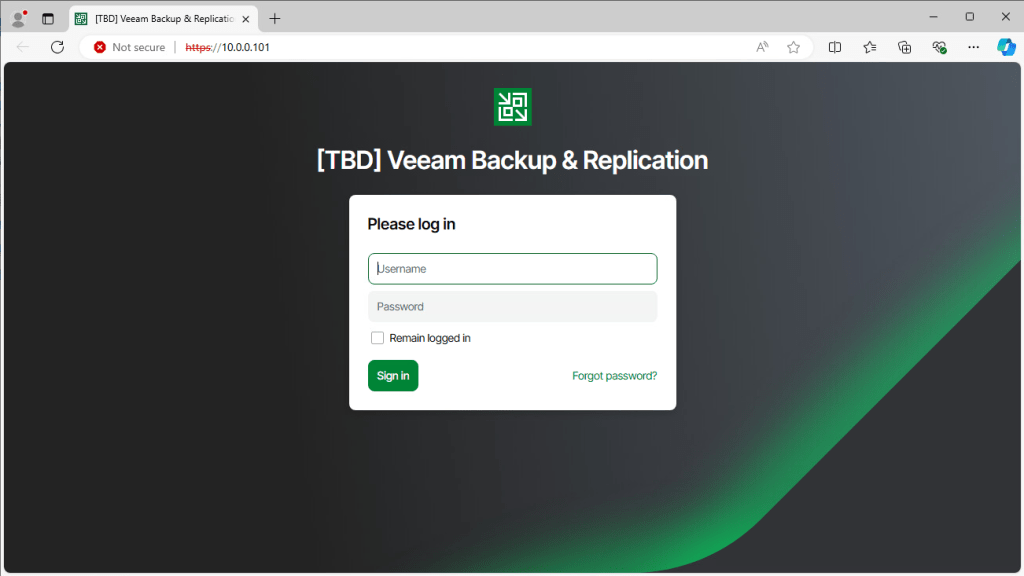
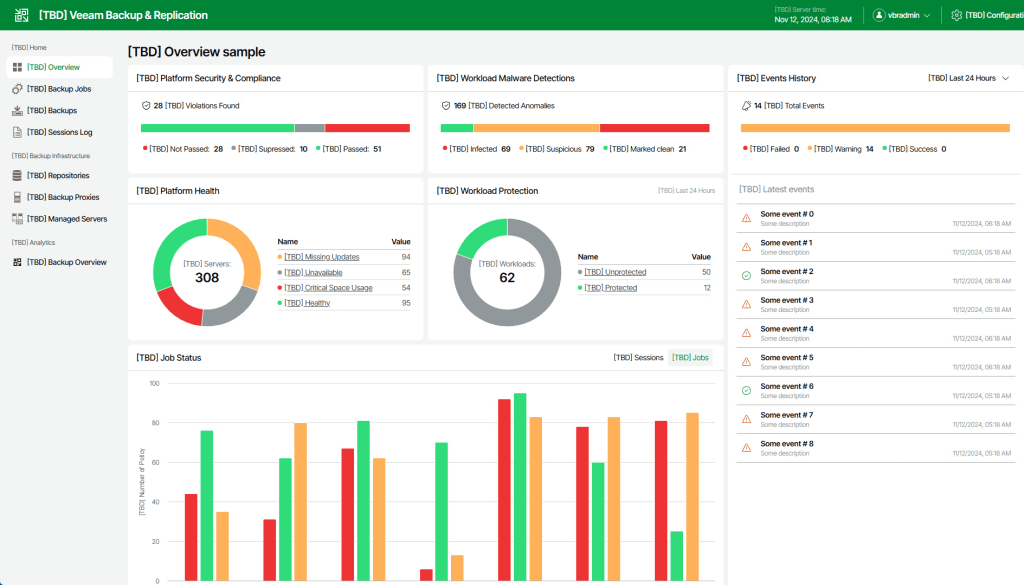
After logging in you are greeted with a crisp and clean looking web UI. As you can see from the below screenshot, it has a familiar look and feel to the VBR console we have become accustomed to over the years. Functionality within the web UI is slightly limited in this build with mostly read only abilities however I’m sure a more feature rich experience is on the way as development progresses. I think the ability to manage a VBR instance without requiring the “thick client” console will be a game changer!
Speaking of the VBR console, that brings me onto the other management option where there have also been some changes…

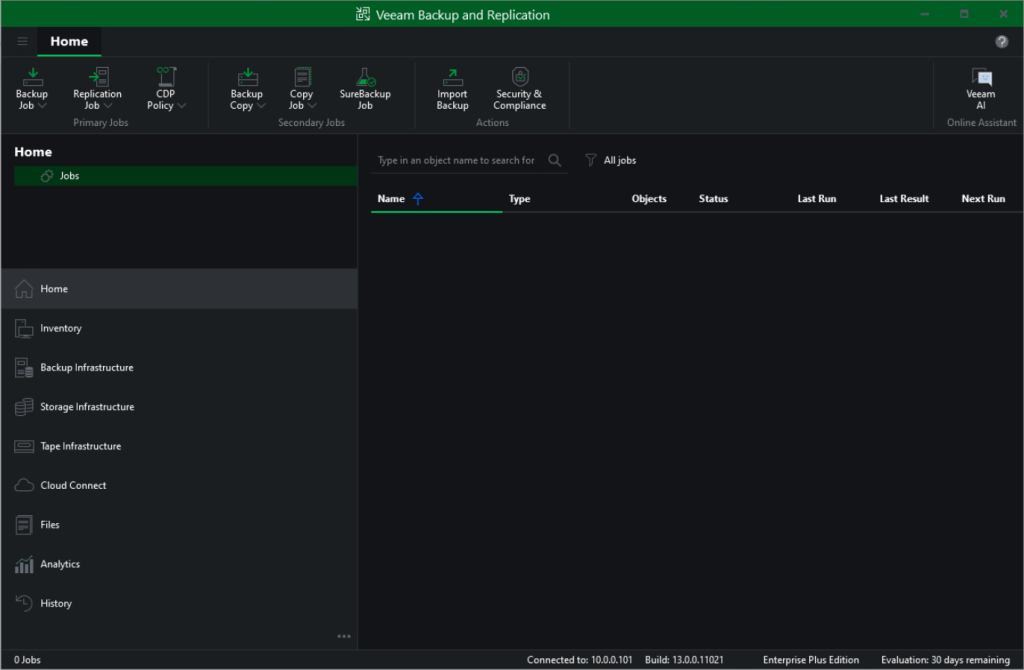
The console has been given a complete makeover including redesigned icons and layouts, giving it a more modernised feel. I really like the new look.

I wanted to save possibly my favourite new feature until last which relates to colour themes. Ok, it might not sound very exciting but themes have a much bigger visual impact in the V13 UI.
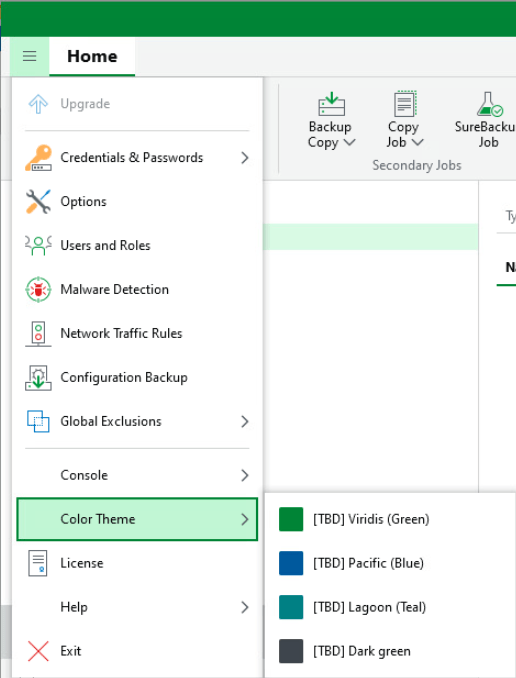
For example, change the theme to “Dark green” and BOOM – dark mode activated!! 😎 I’m sure this feature alone will be reason enough for an upgrade and I for one can’t wait to start using it!
I won’t be exploring much into the technical side of V13 in this blog post as some of the functionality is still in development but I’m sure you’ll agree from what’s on show so far brings much optimism for things to come.
That’s all for now but stay on the lookout for a part 2 when the next build becomes available.
 benharmer.blog
Can you share the OVA link of Veeam v13 Tech Preview?
LikeLike
Hi John. Unfortunately this build is only available to members of the Veeam 100 program and can’t be shared externally.
LikeLike
Based on some Veeam V13 information published online, I tried to construct the download link of Veeam V13, https://download2.veeam.com/VBR/v13/VeeamBackup&Replication_13.0.0.11021_20240902.ova. I tried several links, but none of them worked.
LikeLike