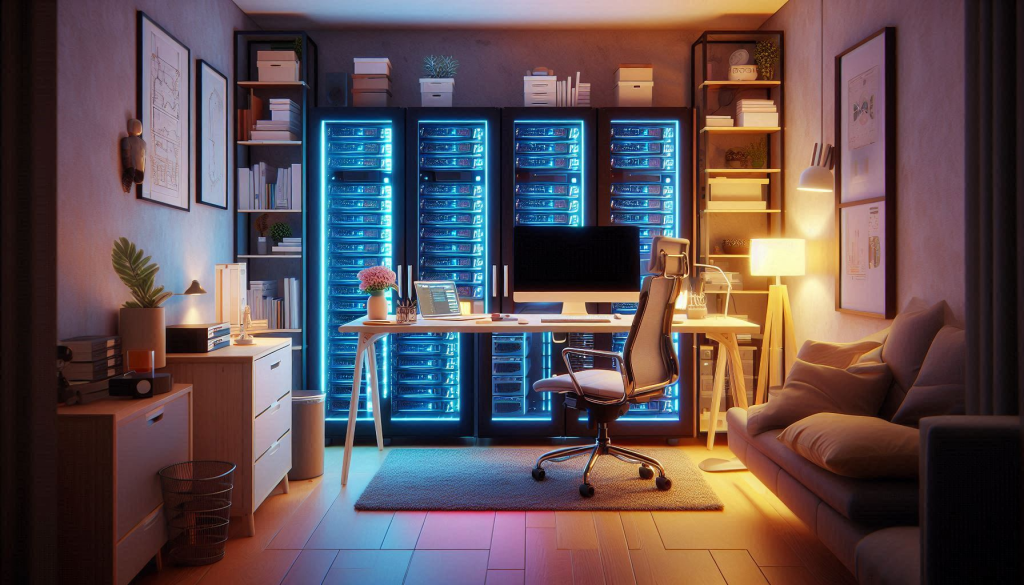
For this post I wanted to take a quick break from my usual Veeam related content to revisit a topic I haven’t touched on in quite a while – Home Labs.
Inspired by a great home lab upgrade write-up by fellow kiwi Ben Thomas, I decided to share how my own home lab journey has progressed over the past few years.
Overview
It’s crazy to think it’s been almost 3 years since I first blogged about starting my home lab journey! Back then my home lab started from humble beginnings consisting of a simple NUC and NAS setup. Since then, having a home lab has been an absolute game-changer for me as an IT enthusiast, helping me grow my skillset both personally and professionally. If you’re passionate about IT and on the fence about whether to get into the home lab game, it brings numerous benefits:
- Hands-on learning – Explore new technologies such as virtualisation platforms and containers in a safe controlled environment
- Developing skills – Whether it’s working on your troubleshooting and deployment skills or brushing up on the latest industry tools
- Experiment without risk – Freedom to try and test things without the consequences of impacting production systems
- Personal projects – Pursue your own areas of interest such as AI, IoT, home automation and more
Project Kaizen
While my original setup was serving me well in the beginning, my interests broadened as time went by and I gradually began to outgrow it, eventually reaching a point where upgrades became necessary to keep up with my ambitions. Upgrading a home lab can be a challenging task and much like the title above suggests, often involves making a series of incremental improvements over time while trying not to put too much strain on your wallet!
Recognising the need for an upgrade is one thing but figuring out where to spend your money is a whole different ball game. The tech market is loaded with options, and with so many variables to consider, making the right choice can feel overwhelming. So how do you decide?
Goal Setting
In order help to narrow the scope of suitable options for my upgrade path, I decided to set some objectives that my home lab should meet:
- Cost effective – Striking the right balance between capability and cost while ensuring performance is solid and reliable
- Scalable & flexible – Support for emerging technologies and long-term growth without having to rebuild from scratch
- Energy efficient – Prioritise low-power hardware to reduce running costs
- Reliable – Implement redundancy where possible to minimise unplanned downtime
Sourcing Hardware – Slow but steady
Now for the fun bit – scouring the web for some suitable hardware. On the surface this is a seemingly straightforward task but living in NZ does bring about some difficulties. Living on a small island on the other side of the world narrows down the options when searching for IT equipment. Opportunities do come up in the second hand market from time to time but listings are often undesirable or overpriced. Unless you are willing to extend your search outside of NZ it really is a case of playing the waiting game.
Nevertheless, I persevered and through slow but steady progress, my home lab gradually began to take shape.
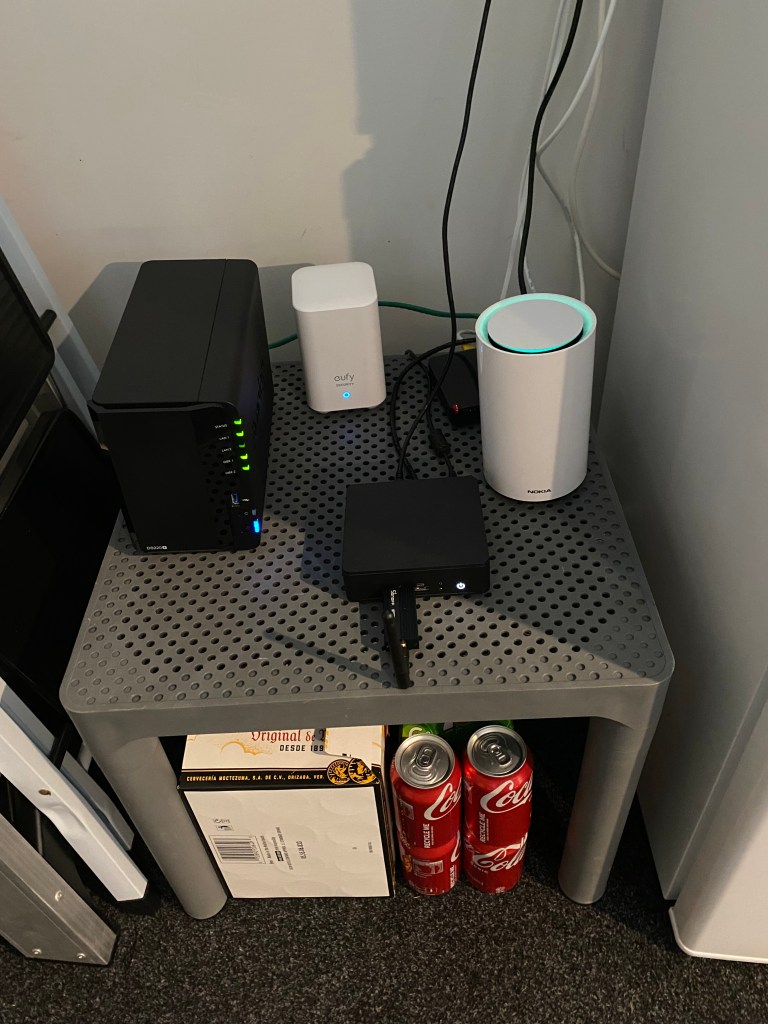
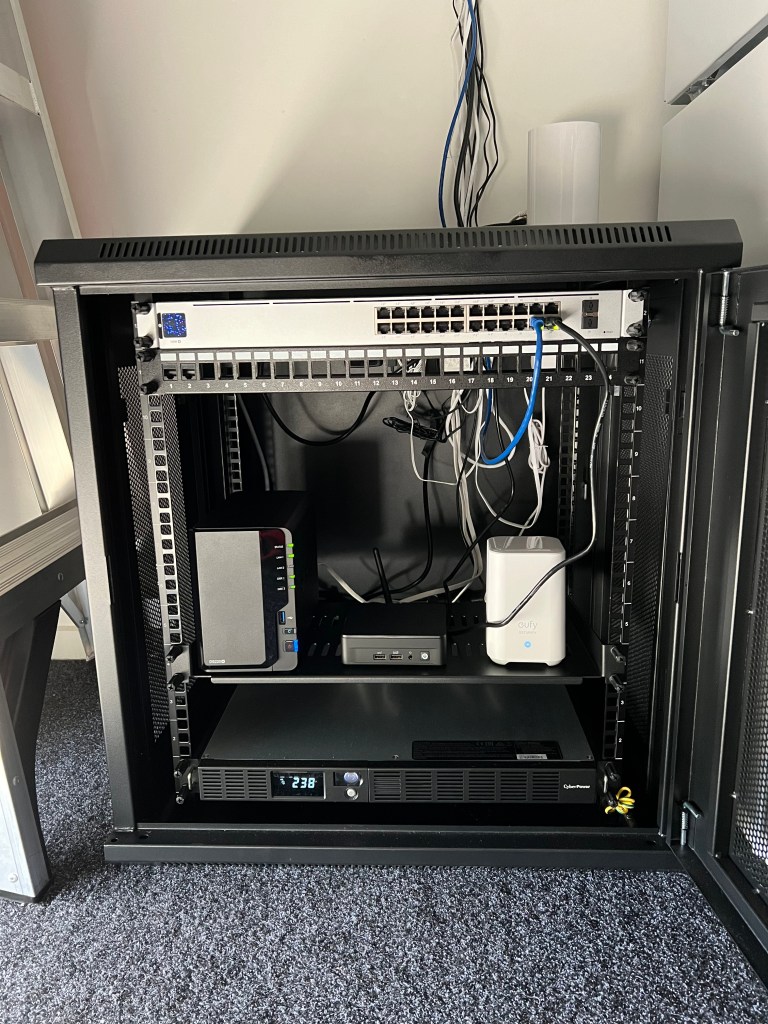
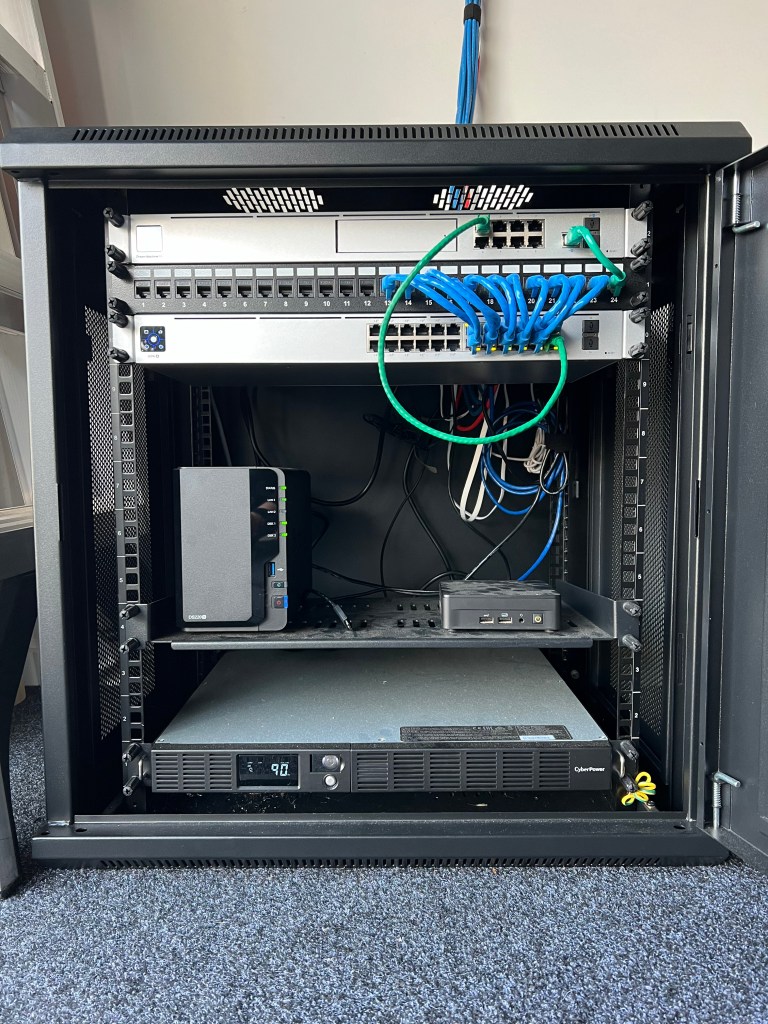
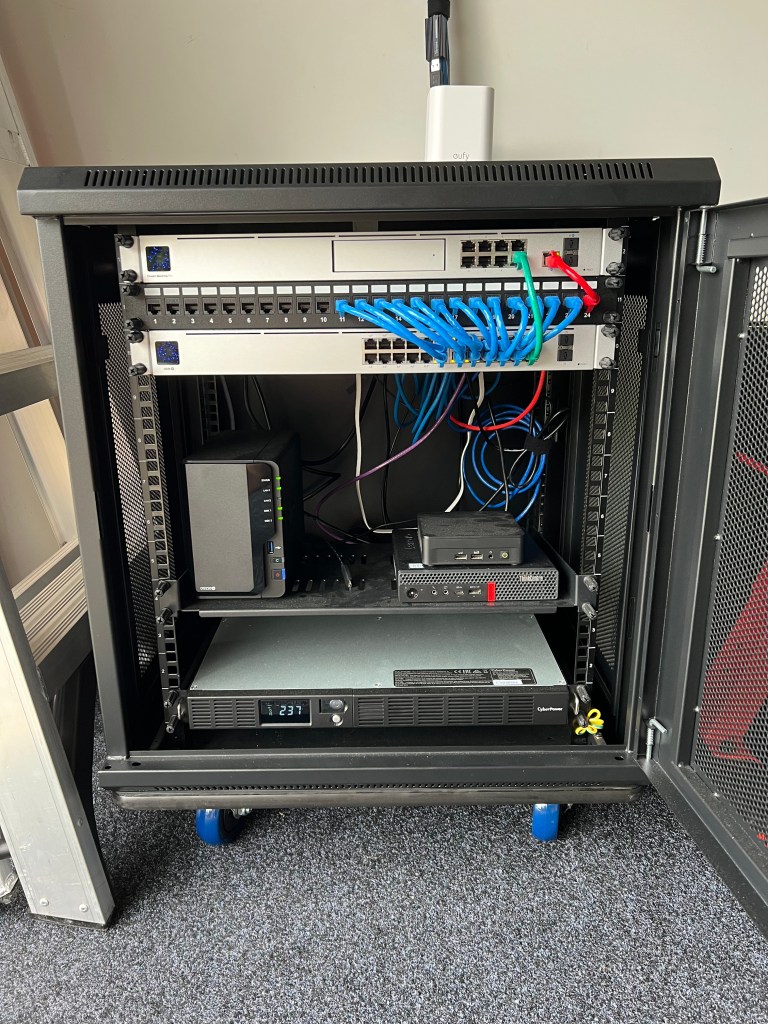
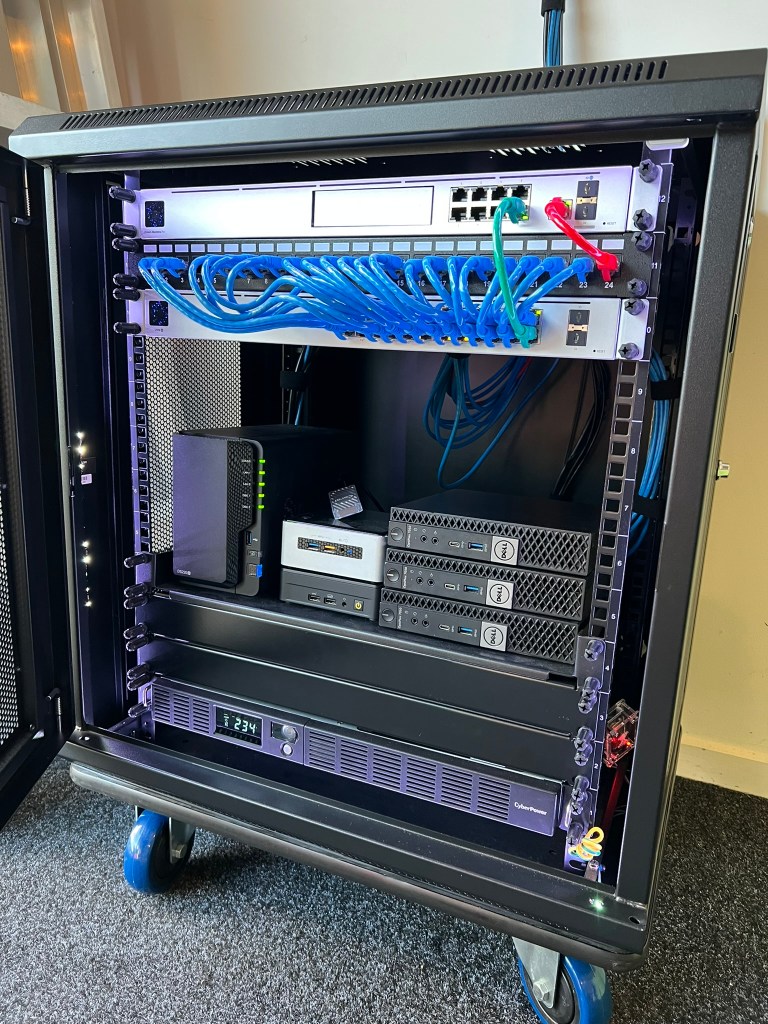
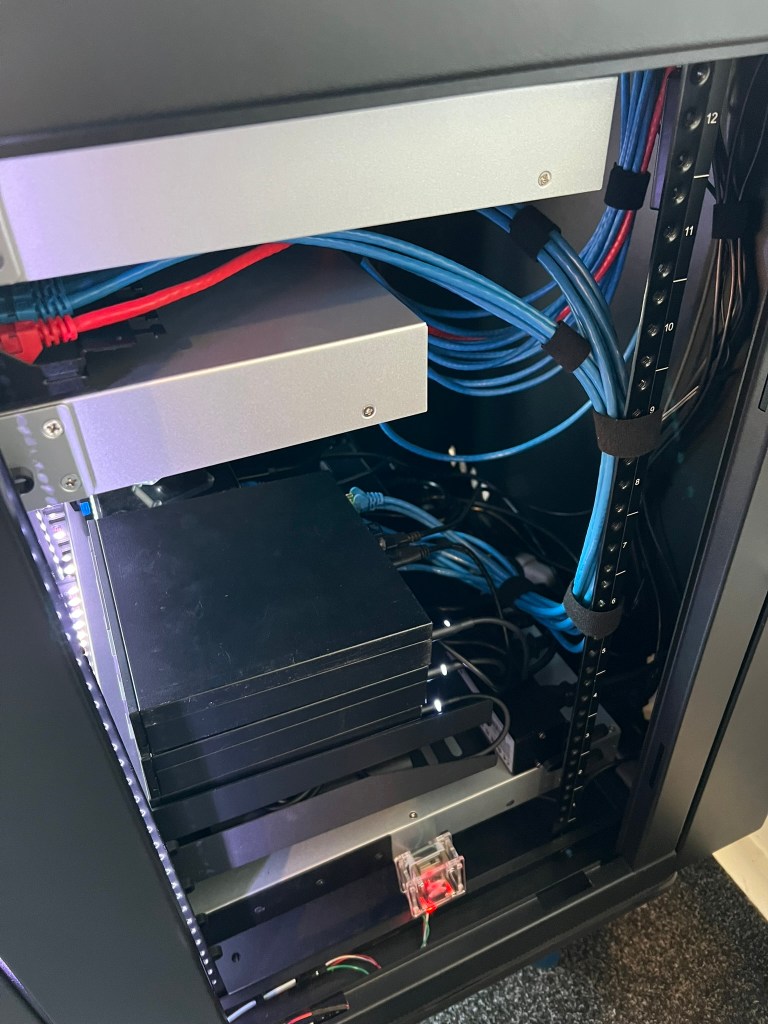
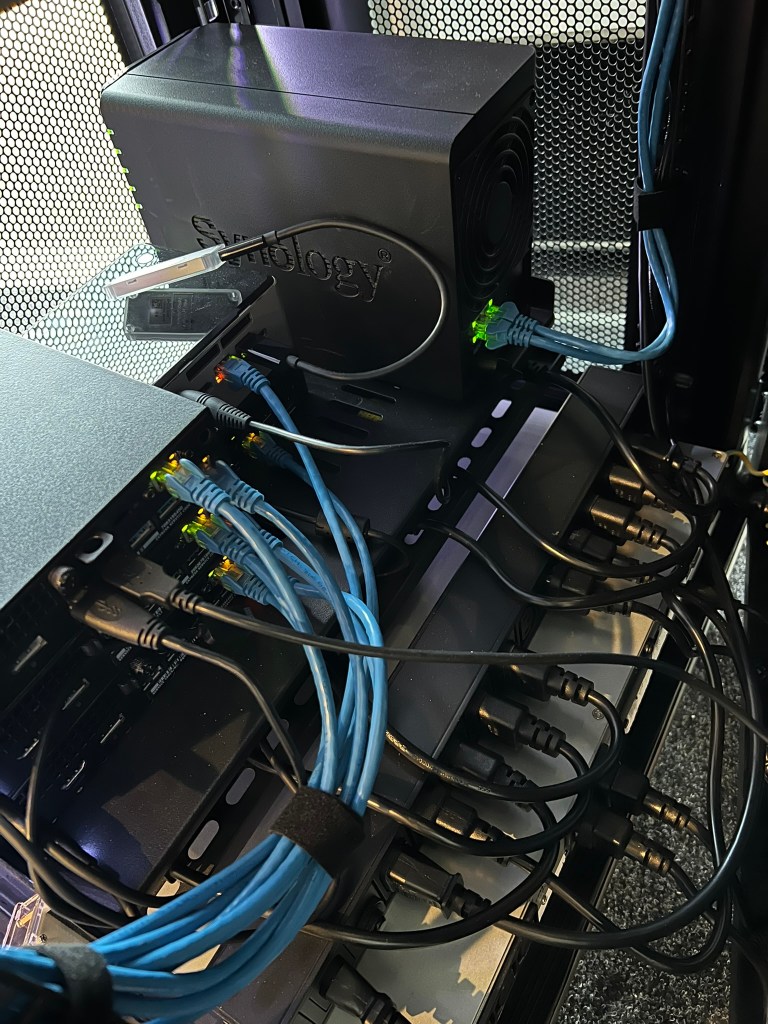
| Item | v1.0 State | v2.0 State |
|---|---|---|
| Location | Anywhere with a flat surface 😆 | Startech 12U network cabinet |
| Power | Mains | CyberPower 1000VA Line-Interactive UPS |
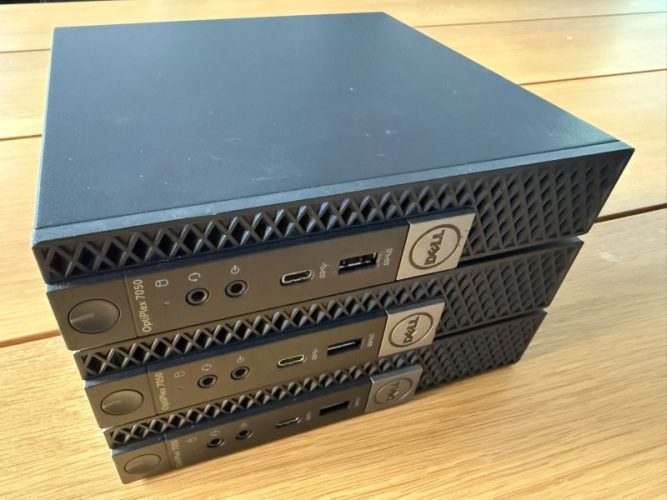
| Compute | 12th Gen NUC – Intel i5-1240P (12C/16T, 3.30-4.40 GHz) – 64GB DDR4 (2x32GB) – Samsung 980 PRO 1TB NVMe – 1GbE | 3 x Dell Optiplex 7050 Micro – Intel i7-7700T (4C/8T, 2.90 GHz) – 64GB DDR4 (2x32GB) – Samsung 980 1TB NVMe – 1GbE, 2.5GbE 6th Gen NUC – Intel i5-6260U (2C/4T, 1.80 GHz) – 8GB DDR4 – ADATA 250GB NVMe – 1GbE 12th Gen NUC (re-purposed) |
| Storage | Synology DS220+ 2 x 12TB SATA (7.2K) | No change |
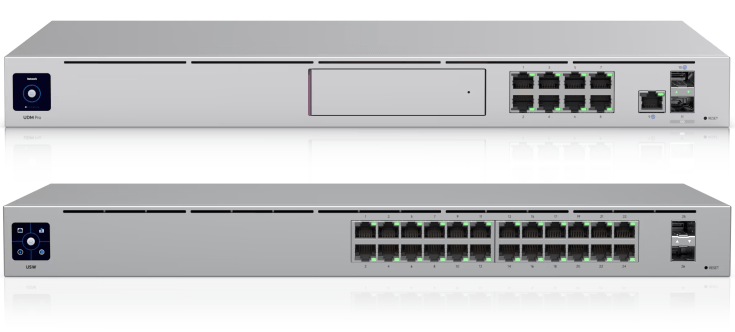
| Networking | Standard all-in-one ISP router/switch/Wi-Fi | Ubiquiti – UniFi Dream Machine Pro – UniFi USW-24-POE (1GbE) – UniFi U6-Mesh Access Point (Wi-Fi 6) |
Compute – Out with the new, in with the old…
Mini PCs are a popular choice for home labbers so when some used Dell Optiplex Micro PCs started popping up online for auction at a reasonable price, snapping them up was a no brainer. These barebones units are a few years older than my 12th Gen NUC but the additional compute and scalabilty opportunities were too good to pass up. This definately helped address some of the limitations I was experiencing particularly with memory exhaustion.
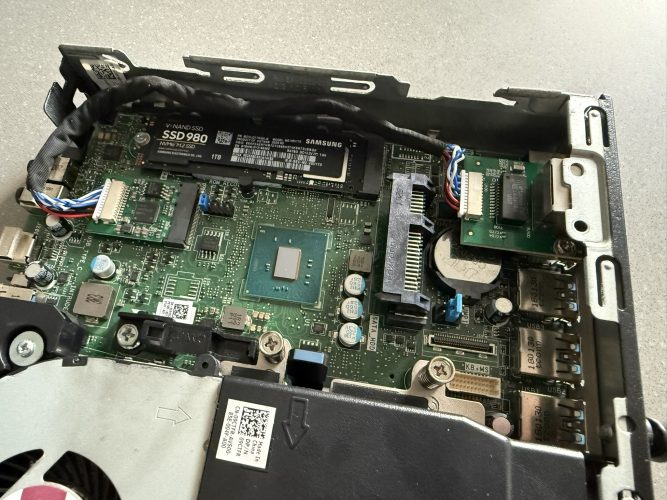
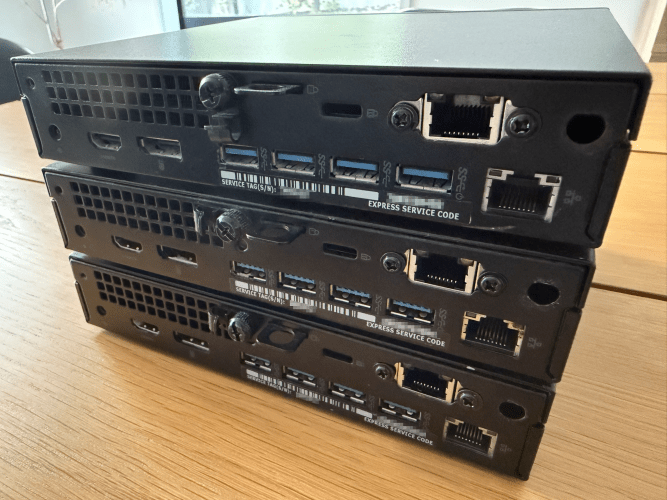
I also decided to add some after market network cards from AliExpress, providing an additional NIC which is 2.5 GbE capable.
Networking – Looking for the “Prosumer” experience
I’d like to think I’m quite capable when it coming to networking, but I’m no guru which meant anything CLI based was discounted from the outset. I also looked into the DIY approach using the likes of OPNsense but ultimately went with Ubiquiti which I like to think of as a middle ground. Although this was a slightly more expensive option than some of the others available, it ended up ticking all the boxes for me.
- Simple, easy to use UI
- Advanced feature set
- Quality hardware
- Regular software updates
- Seamless integration across the stack
Power – Efficiency paying off
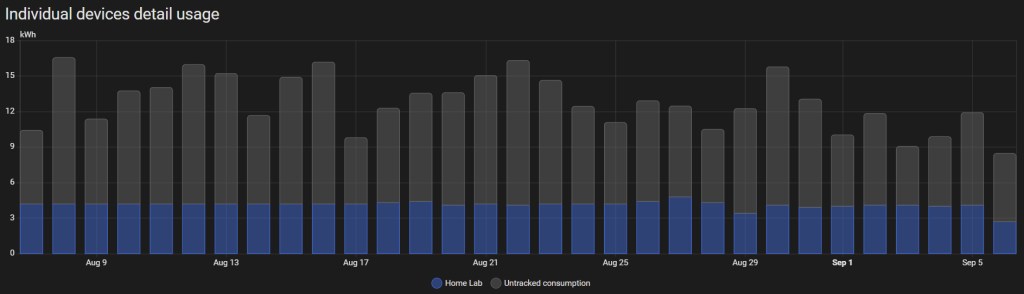
Considering all the hardware in my lab runs 24/7, I’m quite pleased with how little power gets consumed. With an average 4 kWh draw per day, running costs work out at just over $30 per month.
Relocation & Return of the Pi’s
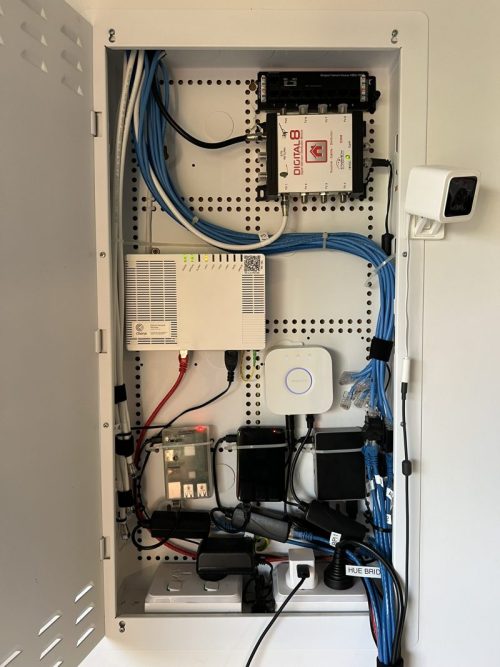
Shortly after moving house a few years ago the home lab was swiftly relocated demoted to it’s permantent home, the garage. Suprisingly this did have some upsides though – being located next to the cabinet containing the ONT means the internet stays online if there is a power outage thanks to the UPS.
As an added bonus, the cabinet conveniently had some free space in it – the perfect excuse for repurpusing some old forgotten Raspberry Pi’s gathering dust in a drawer. Overcoming limited power in the cabinet was a slight challenge (I guess it was never designed to run a fleet of IoT devices!) but providing PoE from the switch in conjuction with some PoE power splitters sorted that out.
Mission Complete (for now…)
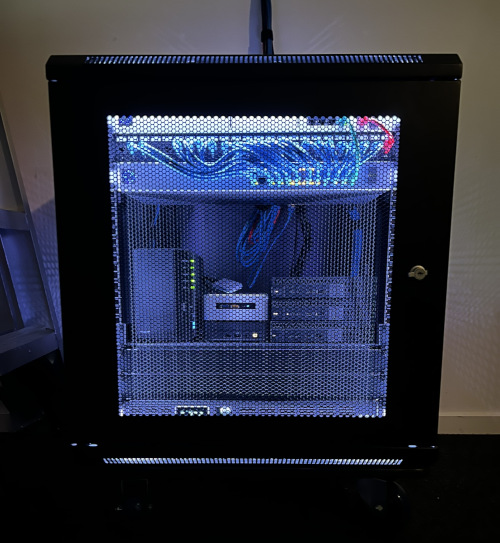
Now after years of iteration I like to think that today’s home lab stands as a more refined and versatile environment, engineered to meet today’s demands while remaining agile enough to grow with tomorrow’s ambitions.
Wrap Up
Entering the home lab scene 3 years ago marked the beginning of a rewarding journey – one defined by continuous learning and personal growth. It has provided me a dynamic environment to explore complex IT concepts, sharpen my technical skills, and deepen my understanding in previously unfamiliar domains. Beyond the technical gains, it’s been a source of genuine enjoyment and discovery, fueling both my professional development and my enthusiasm for innovation.
They say a home lab is never truly complete and in many ways, becomes a mirror of your journey through IT – always adapting, always improving, and never standing still.
 benharmer.blog
Leave a comment