Please note that this post contains content based on a beta build of Veeam Backup & Replication V13. Features and functionality may change upon final release.
It’s been a couple of months since I covered the initial beta release of VBR V13. Hot off the press this week, the beta 2 build has been made available for testing and I’ve been fortunate enough to get my hands on it. So what’s new in this latest build?
While it might have only been a short time since the first beta was released, the list of changes in this latest build are extensive! There are far too many to list here however a few highlights include:
- Thousands of bug fixes
- OVA deployment method
- Full High Availability functionality
- Lockdown mode
- Dark Mode 😎
Let’s have a look at some of these in some more detail.
OVA Deployment
Beta 2 brings with it a new way to deploy the VSA for VMware users using an OVA file. In my previous beta deployment I used the ISO file so let’s try a deployment using the new OVA method.
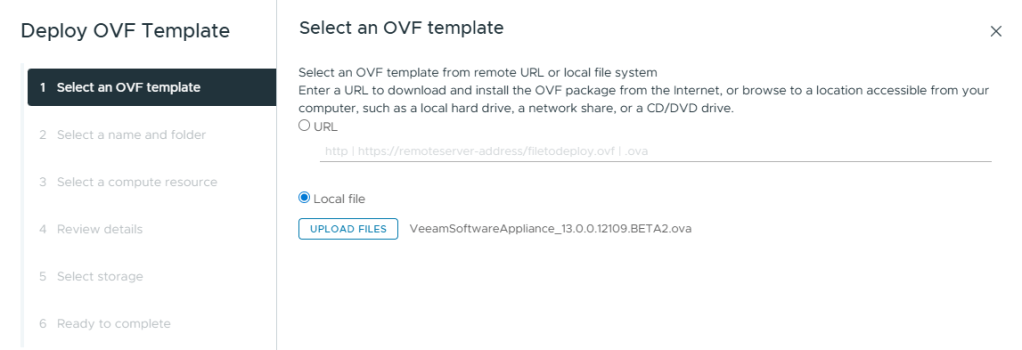
First I’ll start by selecting the beta 2 OVA file to build the VM from.
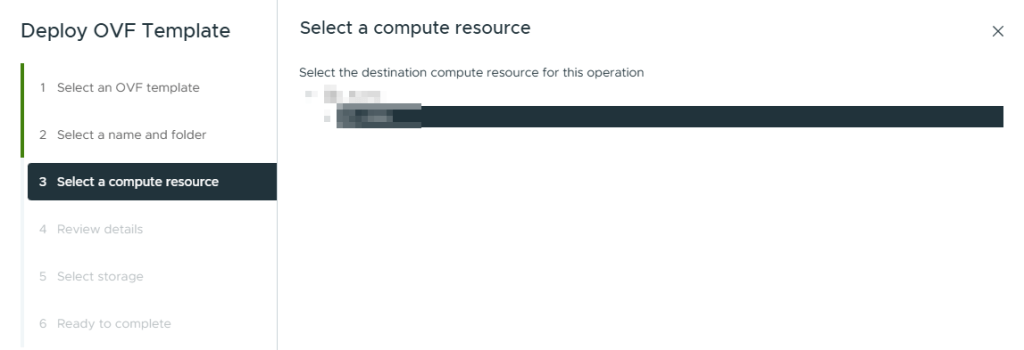
Next give the VM a name, choose where it should be located and which compute resource to use.

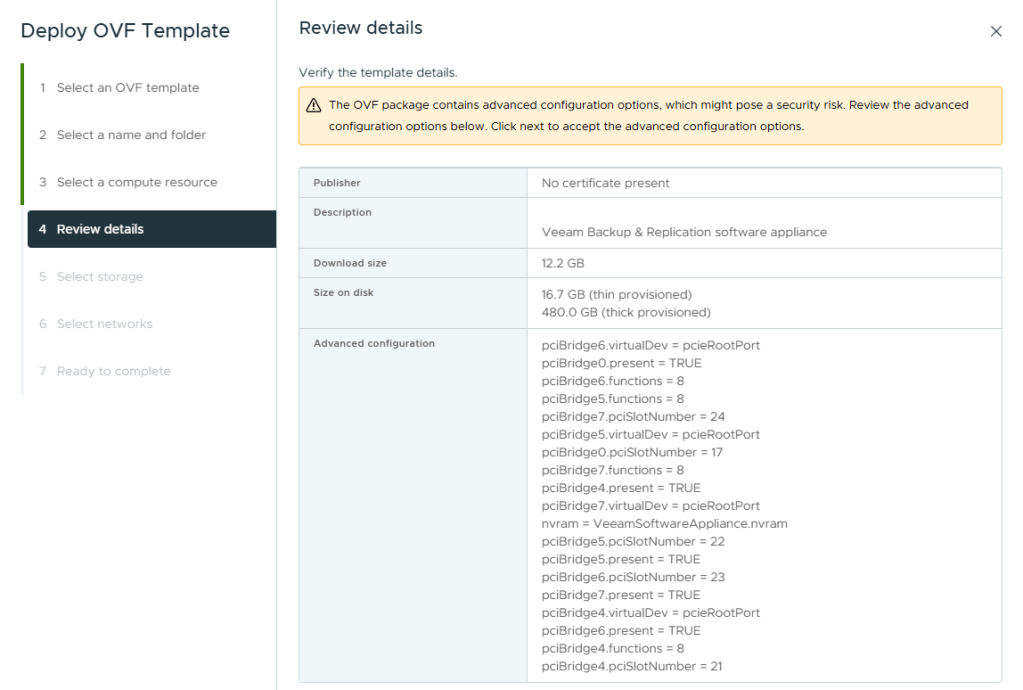
The next screen shows the specific details that will be configured by the OVA.
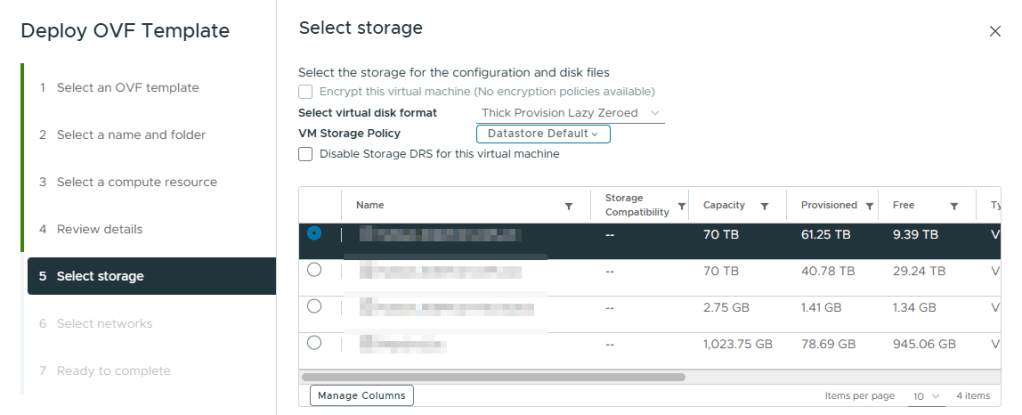
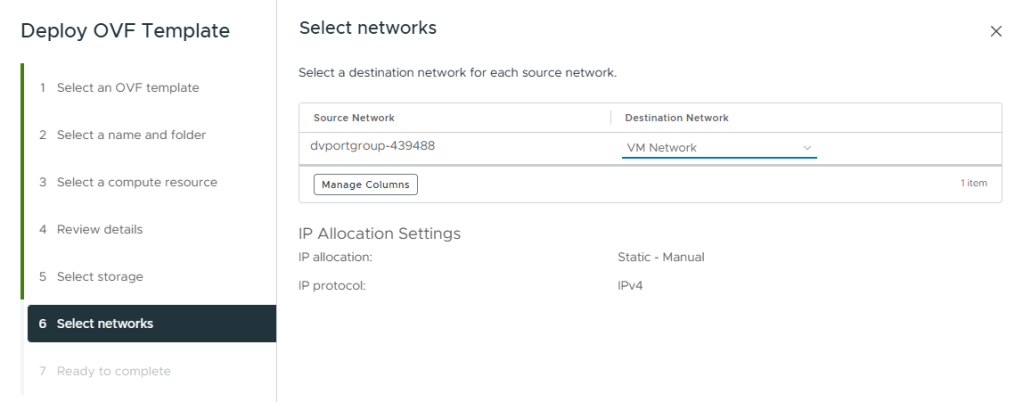
Next select the datastore and network the VSA should sit on.
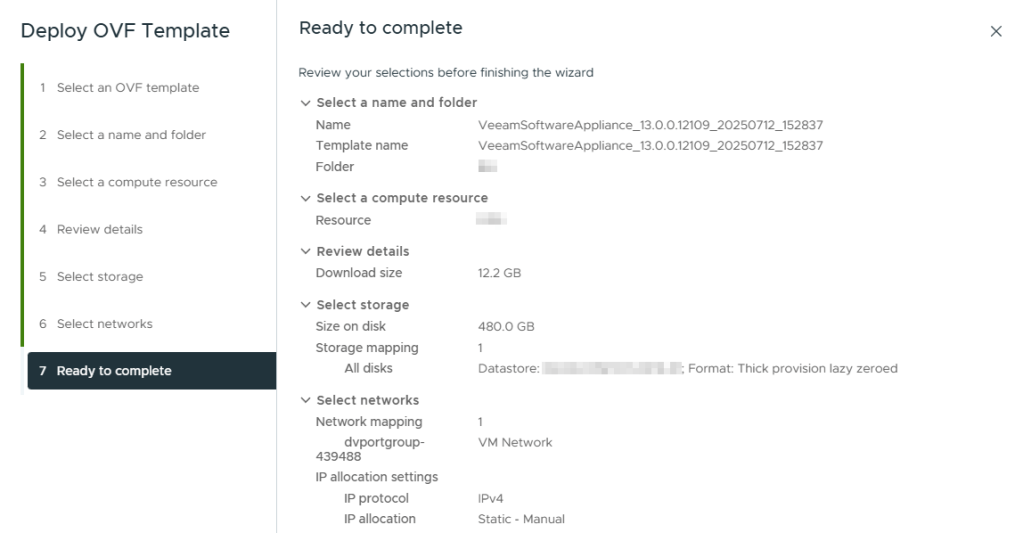
The final screen shows a summary of the deployment.
Once the deployment is complete, the VM will look similar to below.
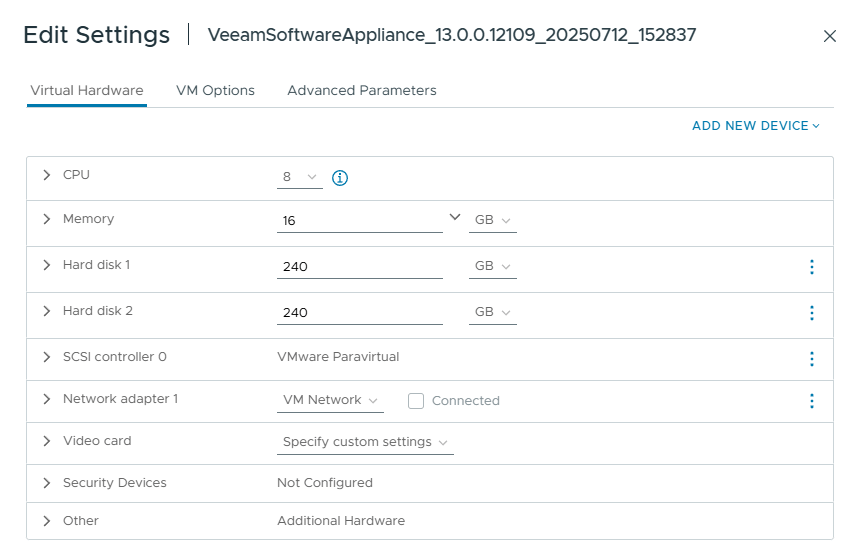
The requirements for beta 2 are similar to the previous build with the disk size requirement reducing slightly, however it still feels quite high when compared to V12.
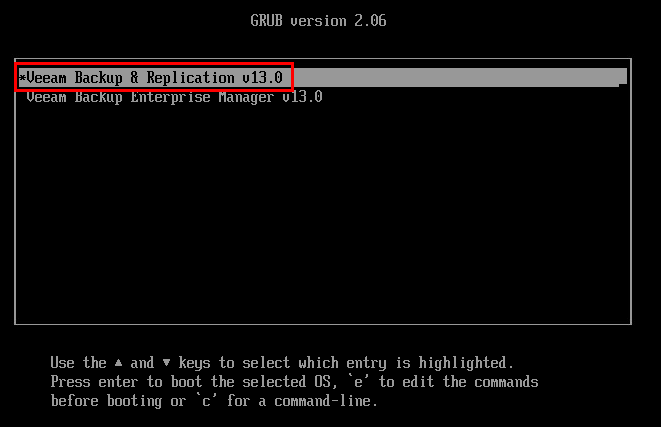
From here the installation process is much the same as before but since Rocky Linux is already installed as part of the OVA deployment, we jump right into the Initial Configuration Wizard after loading GRUB:
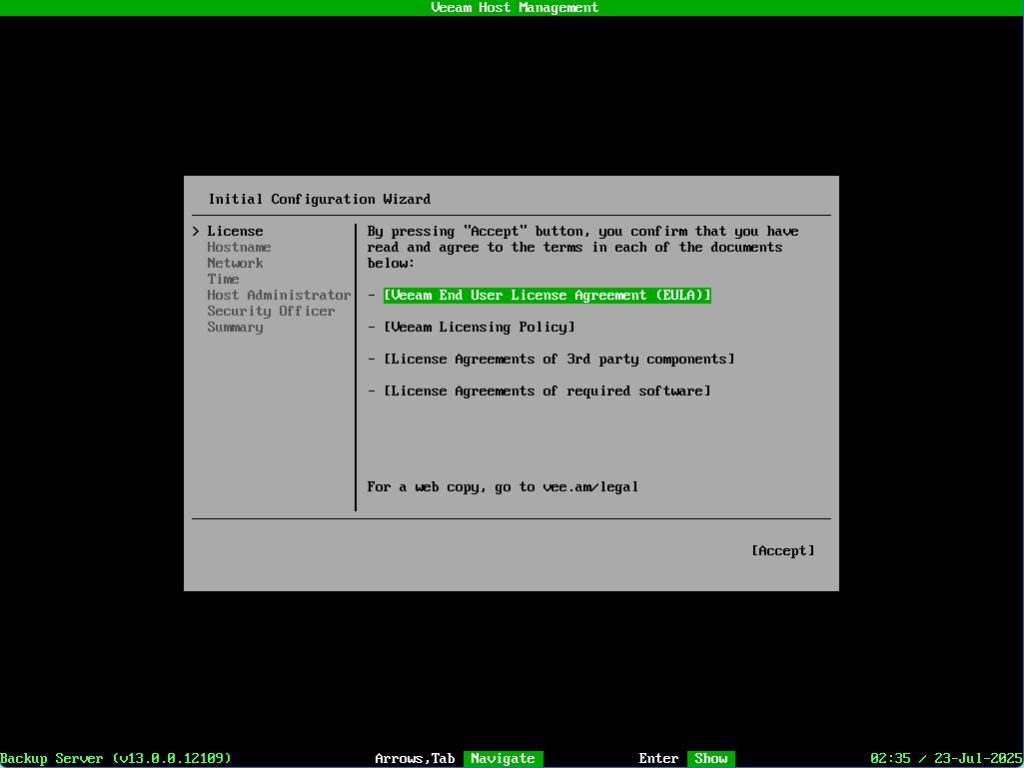
The steps after this are identical to those covered in the previous build.
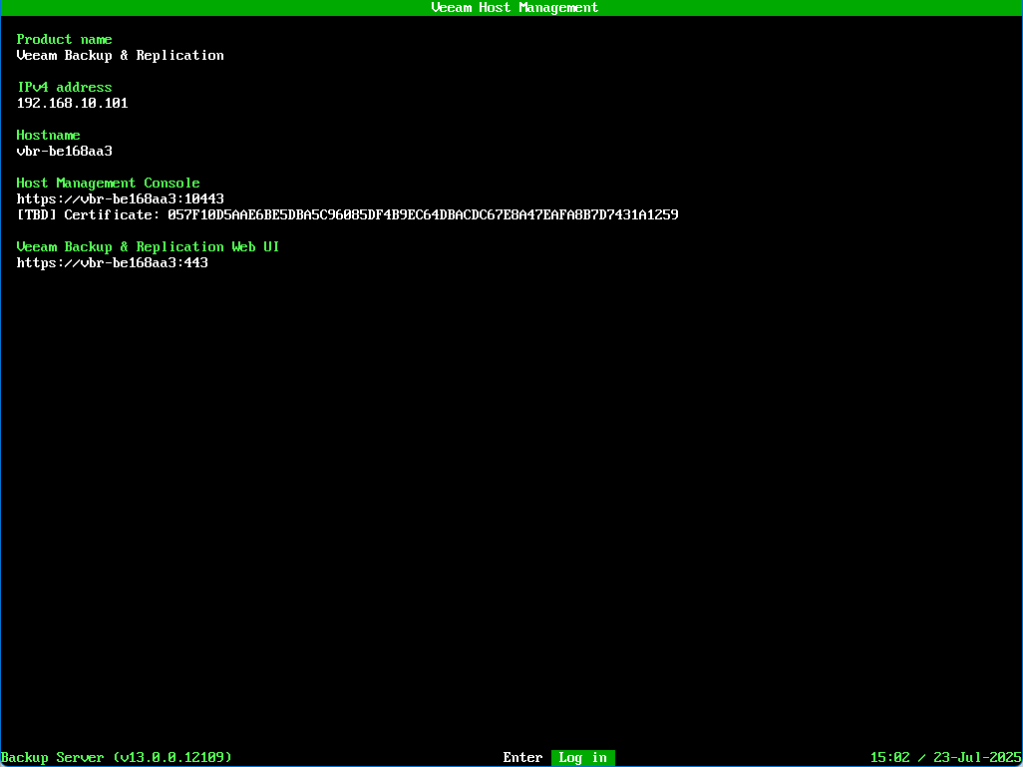
Once the wizard is complete the Veeam Host Management screen will appear. Again, this is very similar to the previous build but with a new Certificate section included in this release.
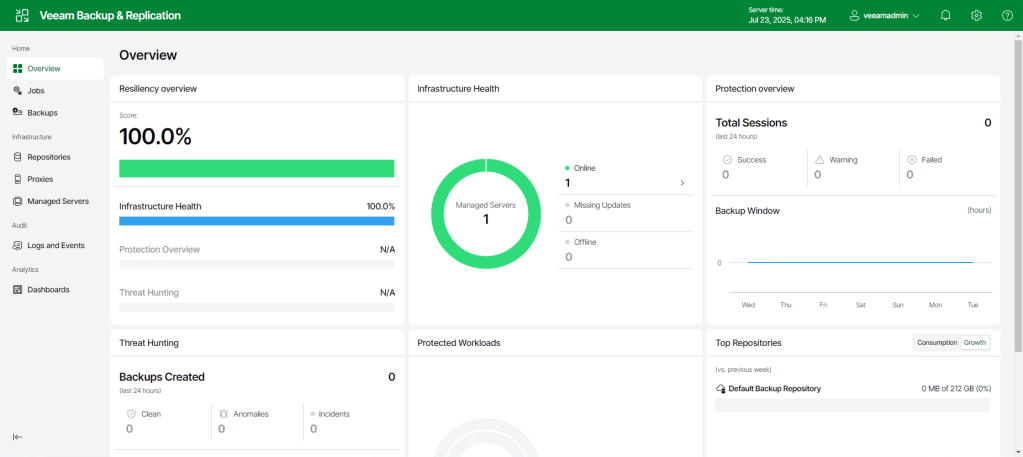
In the previous build the Web UI Overview screen was still in early development and only showed static graphs. In this build, the Overview screen dynamically updates to show a true reflection of the current protection state.
Dark Mode
Possibly one of my favourite additions is now available in the web UI.
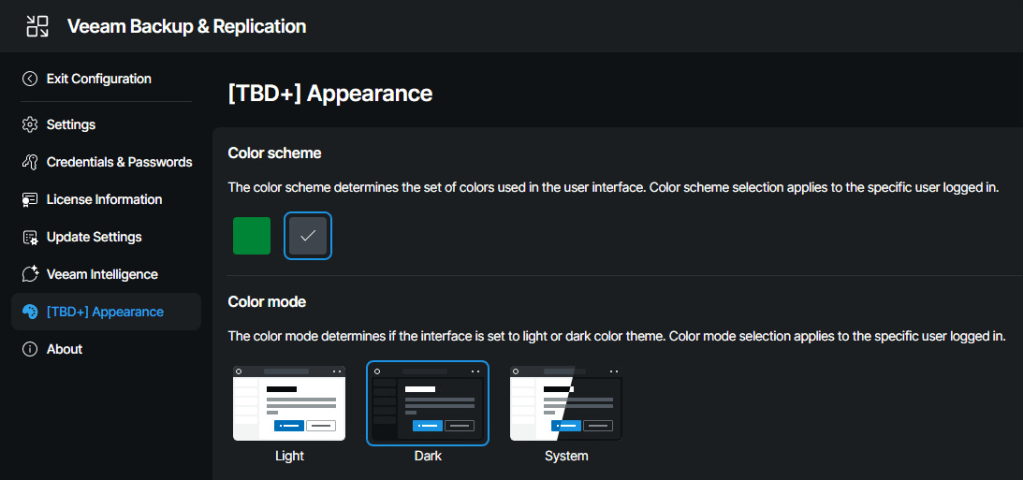
If I had my way this would be the default appearance option but hey, you can’t have everything!
Lockdown Mode
Over in the Host Management Console is a new option to apply lockdown mode. This is a useful security feature which restricts any backup infrastructure from being added to the VBR.
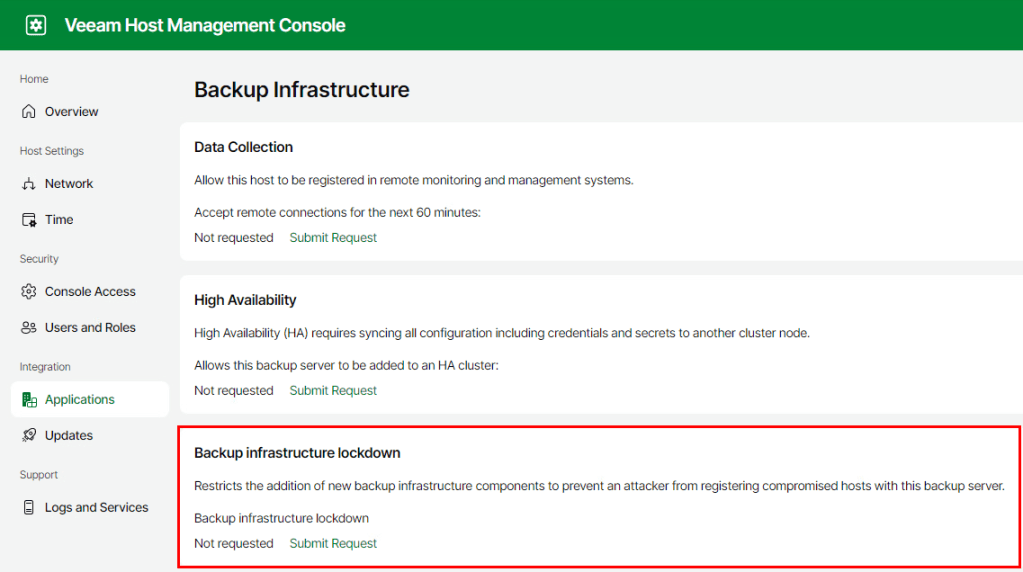
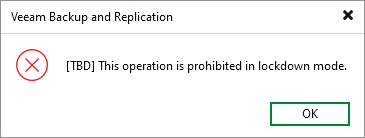
Any attempt to add new infrastructure while lockdown mode is enabled will result in a denied message:
Wrap Up
It’s great to see to development of V13 coming along nicely with this version of the beta looking more polished compared to the first cut. Having access to development builds also provides the opportunity to give valuable feedback to the product team and it’s great to see this happening across the Veeam community.
While there are no firm timelines announced yet for the V13 official release, the anticipation is beginning to grow as we get closer to the final build.
 benharmer.blog
Leave a comment