It’s been a few weeks since I finished deploying the NUC and with Christmas right around the corner, setting up the NAS had to be pushed out a bit. Now Christmas is over, we’re entered that period where things quieten down as everyone recovers from eating and drinking too much! A perfect time to get started with the next part of my home lab build.
Before buying the NAS I had to decide which way to go – DIY or prebuilt. I’m a big fan of TrueNAS and have used it many a time in my profession however I didn’t feel the need for custom hardware and ended up settling for a prebuilt unit. Synology seems to be a name that comes up over and over in the prebuilt NAS category and although I wasn’t hung up on leaning towards any particular brand, the Synology DS220+ scored well on many of the reviews I read online. While it is possible to buy 4 and even 6 bay units in the plus series models, I decided on a 2 bay as it will more than meets my needs for the foreseeable future.
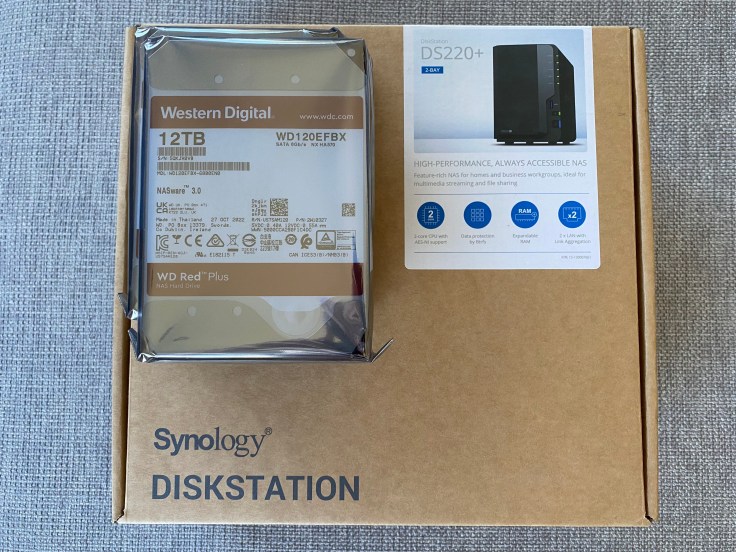
After unboxing the unit, installing the drives was quick and easy. The NAS has a plastic fascia on the front which easily pops off to reveal the 2 drive bays. The unit features a quick release system which makes installation a breeze – no screwdrivers needed here. Within a few minutes I had installed the 12TB WD Red Plus drives, connected up the ethernet (it does have a second LAN port which I won’t be making use of at this stage) and powered on the device.
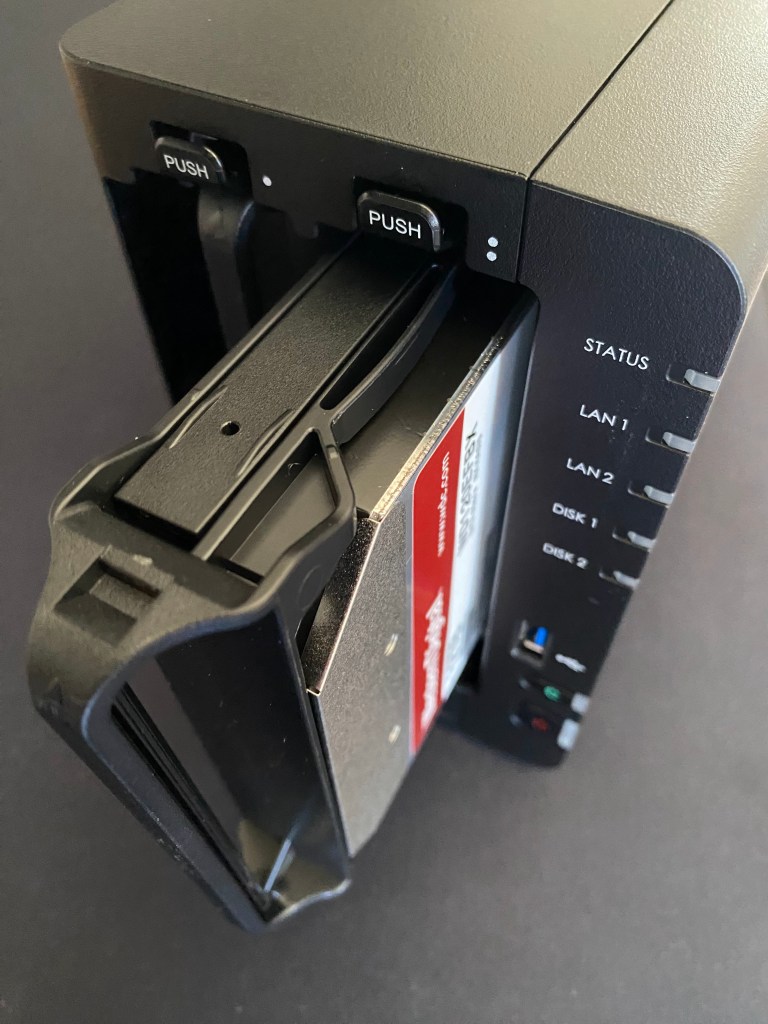
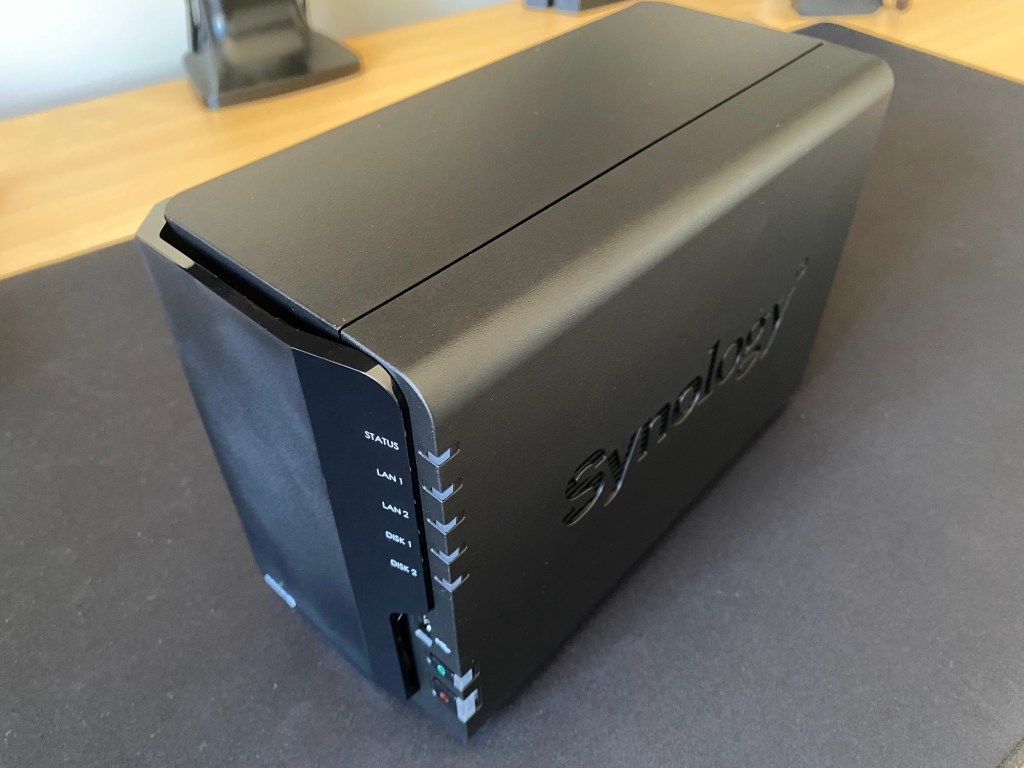
Setting up the software side of things was just as easy. Upon opening a web browser, you step through the setup wizard which includes configuring the disks into RAID. I now have just over 10 TB of usable storage in a RAID 1 configuration which should be plenty for my needs. I’ve been playing with the settings over the past few days and overall I’m really liking the Synology DSM interface. It’s very intuitive and has a Windows look and feel about it.
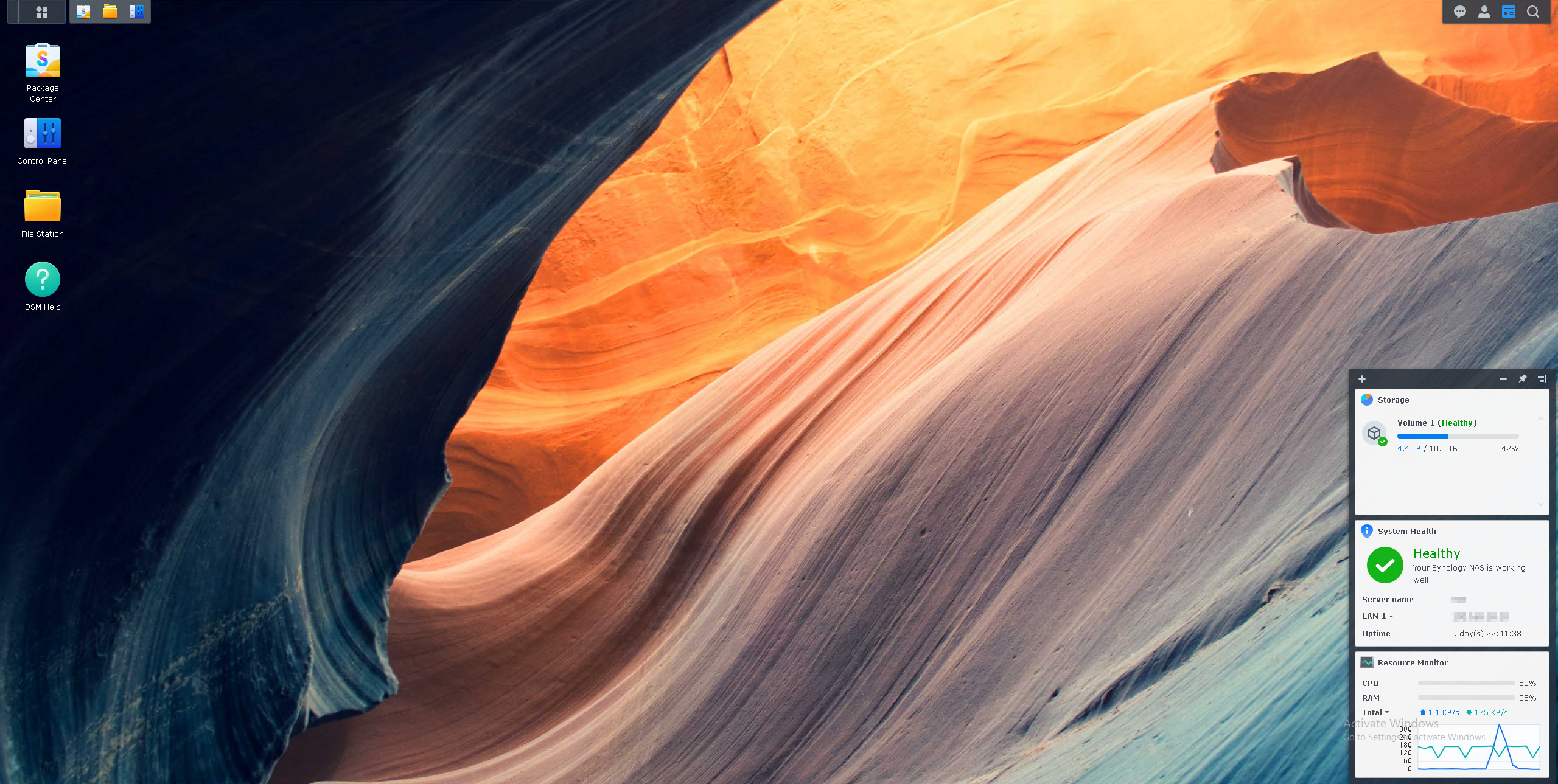
I intend to start setting up some shares next so that I can start migrating my existing data across. It will also be a destination for my backups (coming up in part 3) which are of course an integral part of any IT solution whether it be home lab or otherwise.
 benharmer.blog
Leave a comment